Management of the MTA Queue
An overview of the e-mails still situated in the MTA queue may be found here. All of the e-mails that could not be delivered successfully at the first sending attempt are in this queue. All of the e-mails that are listed could not be delivered because of temporary faults. This corresponds to the 400s status codes in the SMTP protocol. How long and how often the MTS will attempt to deliver these e-mails is defined in the basic configuration (see 17.1.8, 17.1.10).
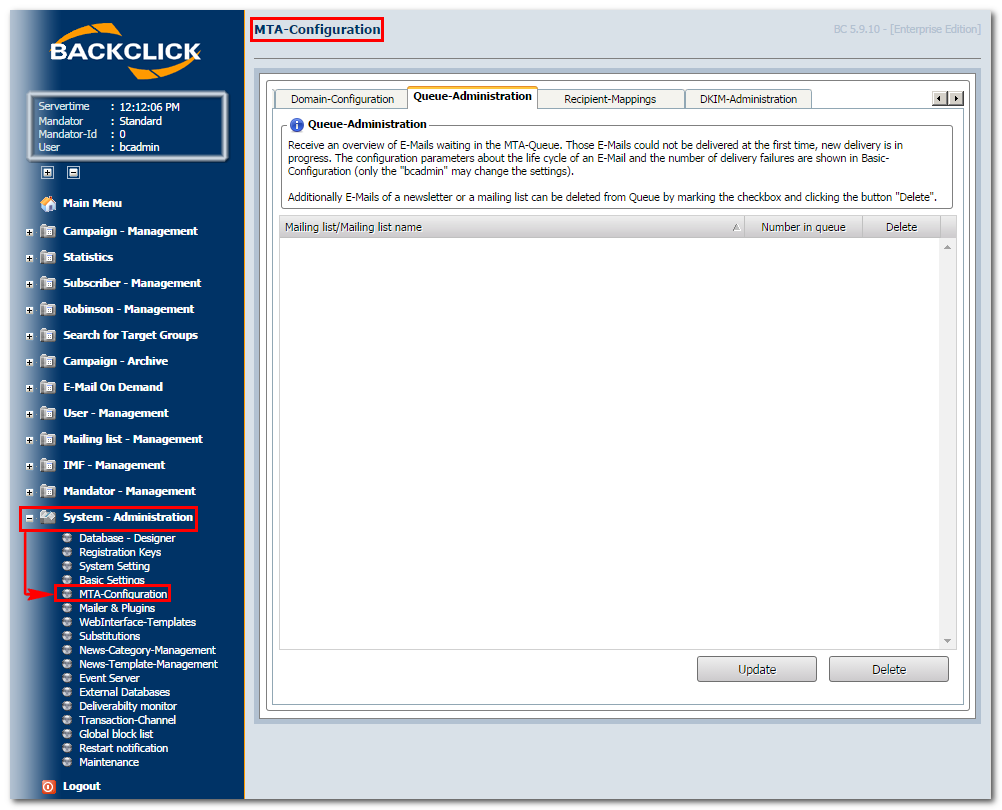
Abb. 17.3. - Queue-Verwaltung
All of the e-mails belonging to one newsletter or mailing list may be removed from the queue here.
E-mails belonging to a newsletter: Click on the little plus in front of the list folder (in this example: test list [default]), and mark the check box after the newsletter that should be removed. To confirm the removal, click on the "Save"-button and the following window will be displayed:

The newsletter has been removed from the queue successfully.
E-mails of a mailing list: Mark the check box
after the mailing list that should be removed (list folder: in this example: test list [default]). To remove it from the queue, click on the "Delete"-button and the confirmation window will be displayed again.
To see the most current version of this view, click on the "Update"-button.