Plug-ins
Management of the actions that will be processed after an event is done by using a Plug-in System. The following Plug-ins exist in the system under delivery status:
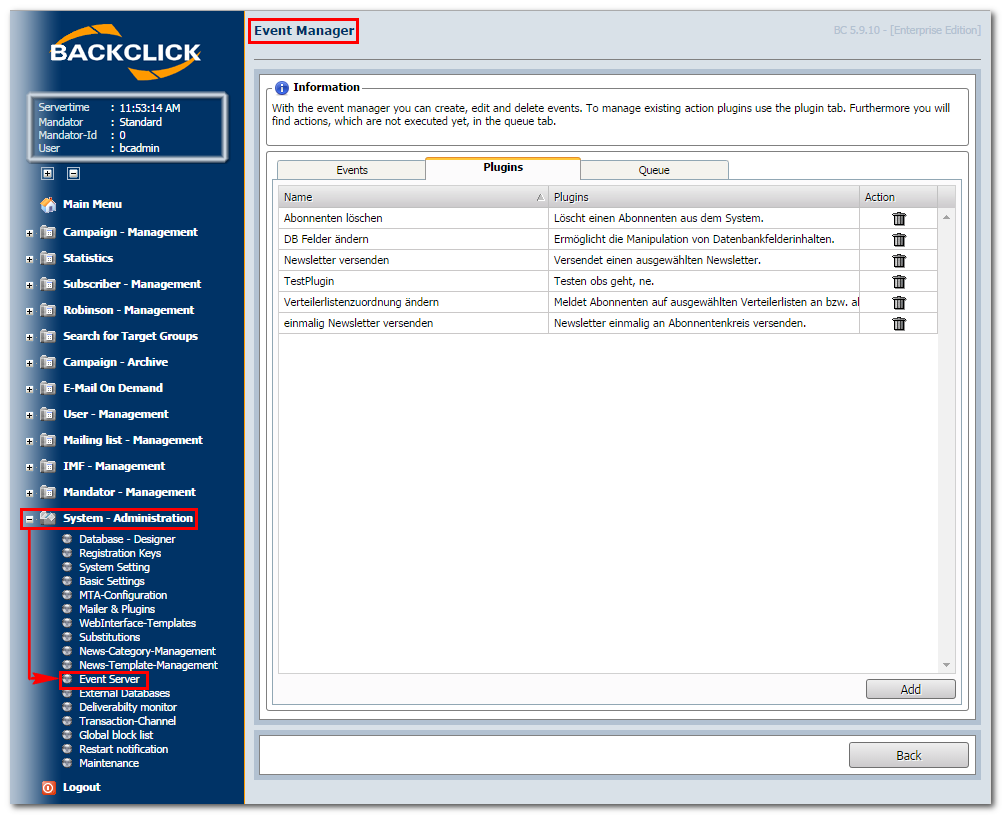
Abb. 16.2 - Übersicht Plugins (Auslieferungszustand)
Actions may be uploaded and/or removed here. To create a new action, click on the "Add"-button. The following
view will be opened:
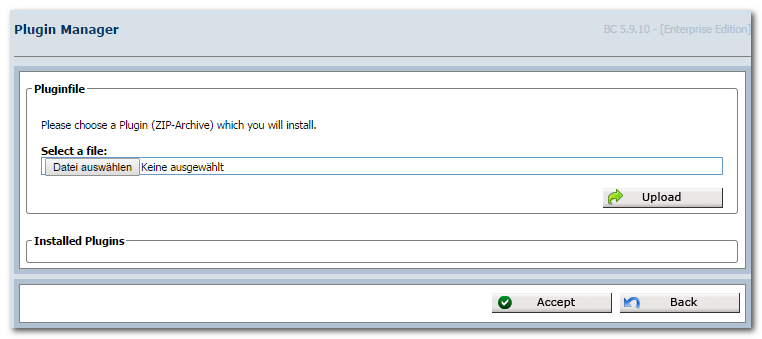
Abb. 16.2.1 - Neue Aktion hochladen
Additional Plug-ins will be provided by the manufacturer.
You may select the file that should be uploaded by clicking on the "Datei auswählen"-button. Click on To remove a Plug-in, click on the "Upload" afterwards, and it will be integrated into your system. To remove a Plug-in, click on the -button. This will open the following confirmation queue:
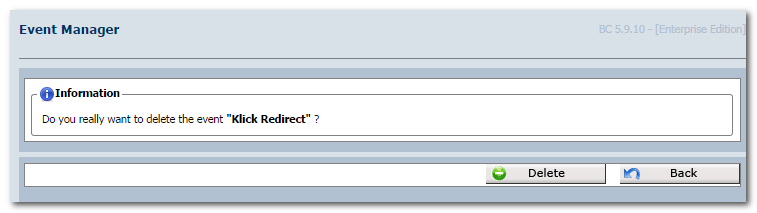
Abb. 16.2.2 - Plugin löschen
Click on the "Accept"-button to remove the Plug-in. By clicking on the "Back"-button, you will return to the
overview of the existing Plug-ins.