The temporary eRobinson list
The temporary eRobinson list removes the e-mail addresses recorded on the list from the set of subscribers only before a newsletter sending. No subscriber on the temporary eRobinson list is deleted (or permanently removed) from the system.
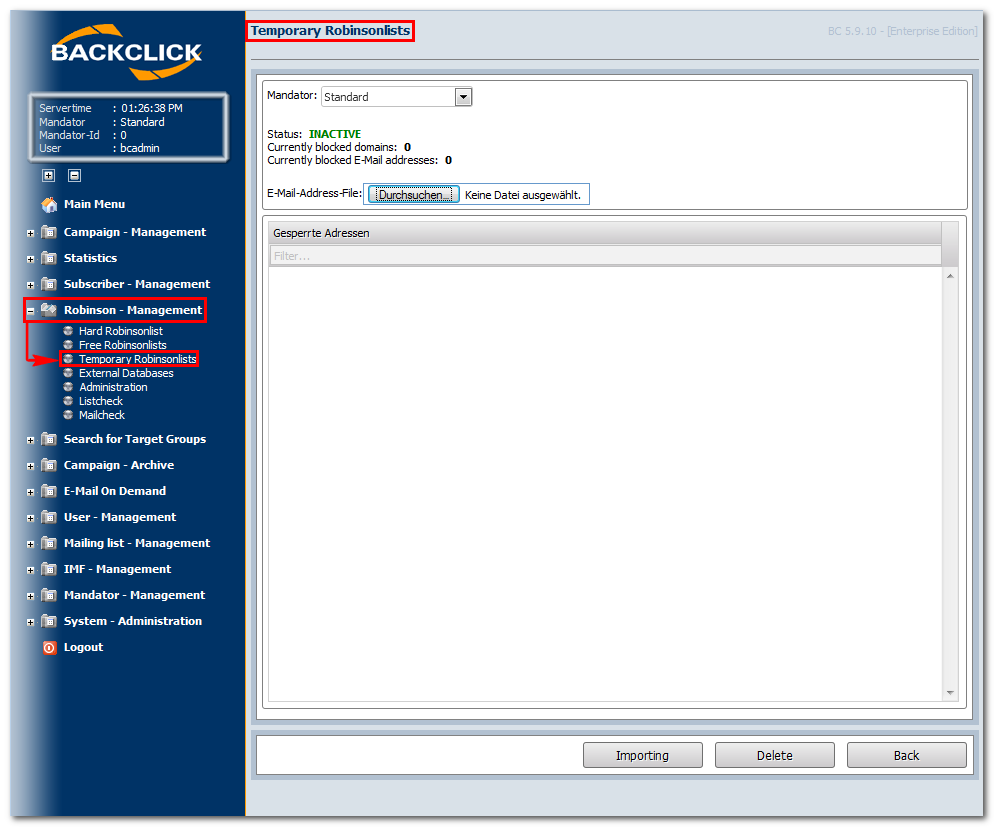
Abb. 10.3 - eRobinson - Temporär
Status
This is displayed whether the temporary eRobinson list is ACTIVE (closed e-mail addresses or domains contained or INACTIVE (no closed e-mail addresses or domains contained. The number of the currently closed e-mail addresses and domains is also displayed.
The number of the currently closed e-mail addresses and domains is also displayed.
"Importing": To add e-mail addresses ([email protected]) or domains (*@domain.com) to the temporary list, you need to
prepare a text file that contains an e-mail address or a domain in every line. Store this file on your PC and select these over
the "Durchsuchen"-button. The text file will then be imported. When you click on the "Importing"-button, the contained
addresses and/or domains are automatically written on the temporary list. This will only happen if the confirmation of the
import has been displayed.
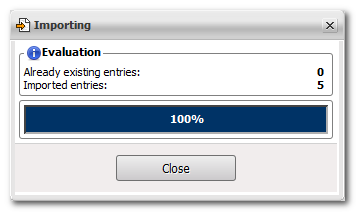
Abb. 10.3.1 - eRobinson - Temporär: Email-Adressen Import
"Delete": After you click on this button, all the e-mail addresses on this temporary eRobinson list will be removed. The list is emptied and new e-mail addresses and/or domains can be created for temporary blocking. Sample overview after having clicked on this button:
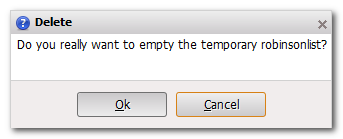
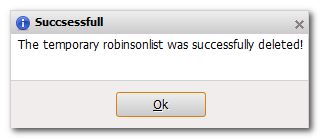
Abb. 10.3.3 - Löschen der enthaltenen Email-Adressen
"Back": This button will always return to the main menu, “eRobinson — Administration.”