After successfully loggin in, you will see the Main Menu, which is divided into several submenus with several subitems. Submenues available depend on the rights of your user. If you are the system administrator (all rights) you will see the following screen:
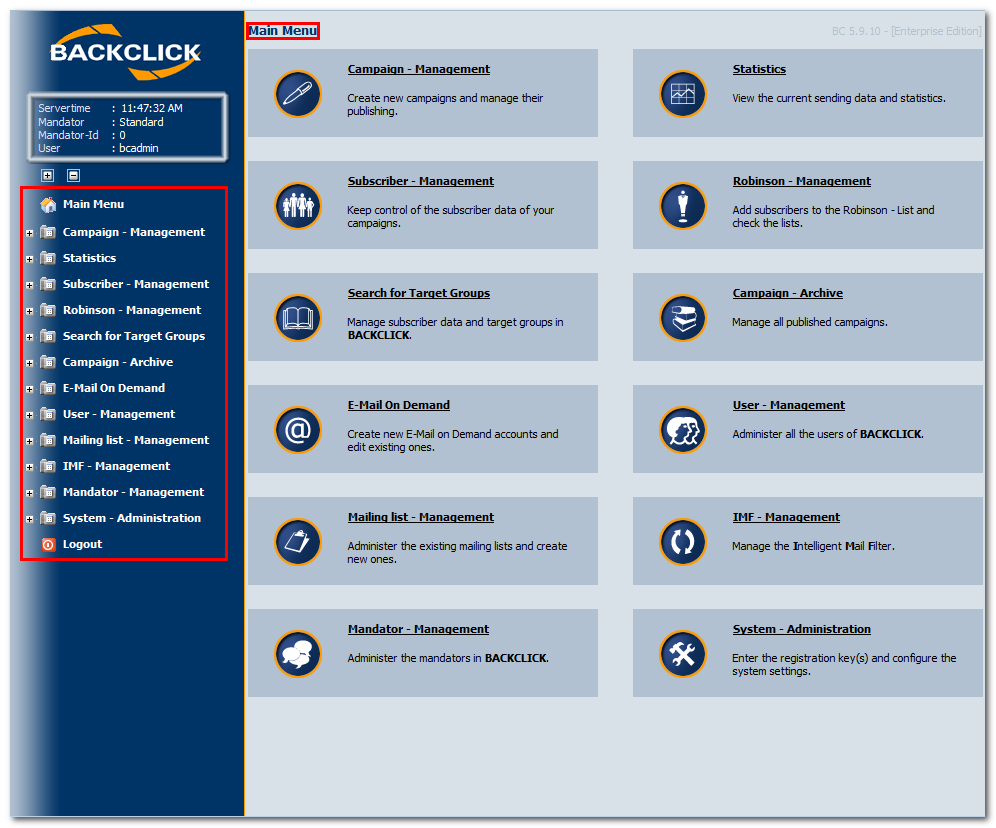
Fig. 4.1 - Main menu after login (administrator)
The lefthand side of the screen is the main menu with its submenues. You are able to choose each submenu by clicking the menu title. On the righthand side the main sections are shown, together with an additional description. Please use Internet Explorer (at least Version 6) or Mozilla Firefox (at least Version 2) in order to prevent display problems.
After clicking a main menu item, all the corresponding submenu items will be listed and you will see the following screen:
(Example: Campaign - Management)
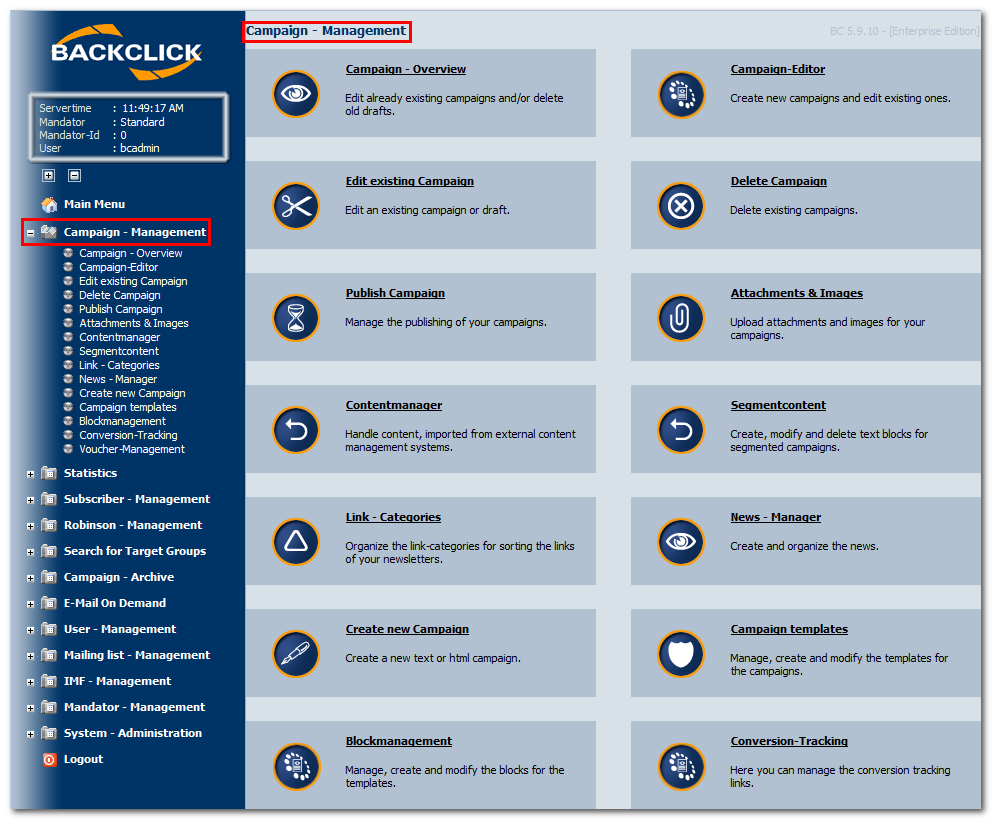
Fig. 4.2 - Opened Submenu
PLEASE NOTE: The menu on the lefthand side will only expand when clicking the  -button. If you click on an item in the main frame on the righthand side navigation on the left will only display the main menu items. All submenu items will only be displayed in the main frame. This applies to ALL users.